
- Deposit Transfer Guide (General)
- Withdrawal
- Stock Transfer
Stock Transfer-In Guide (General)
Warm Tips
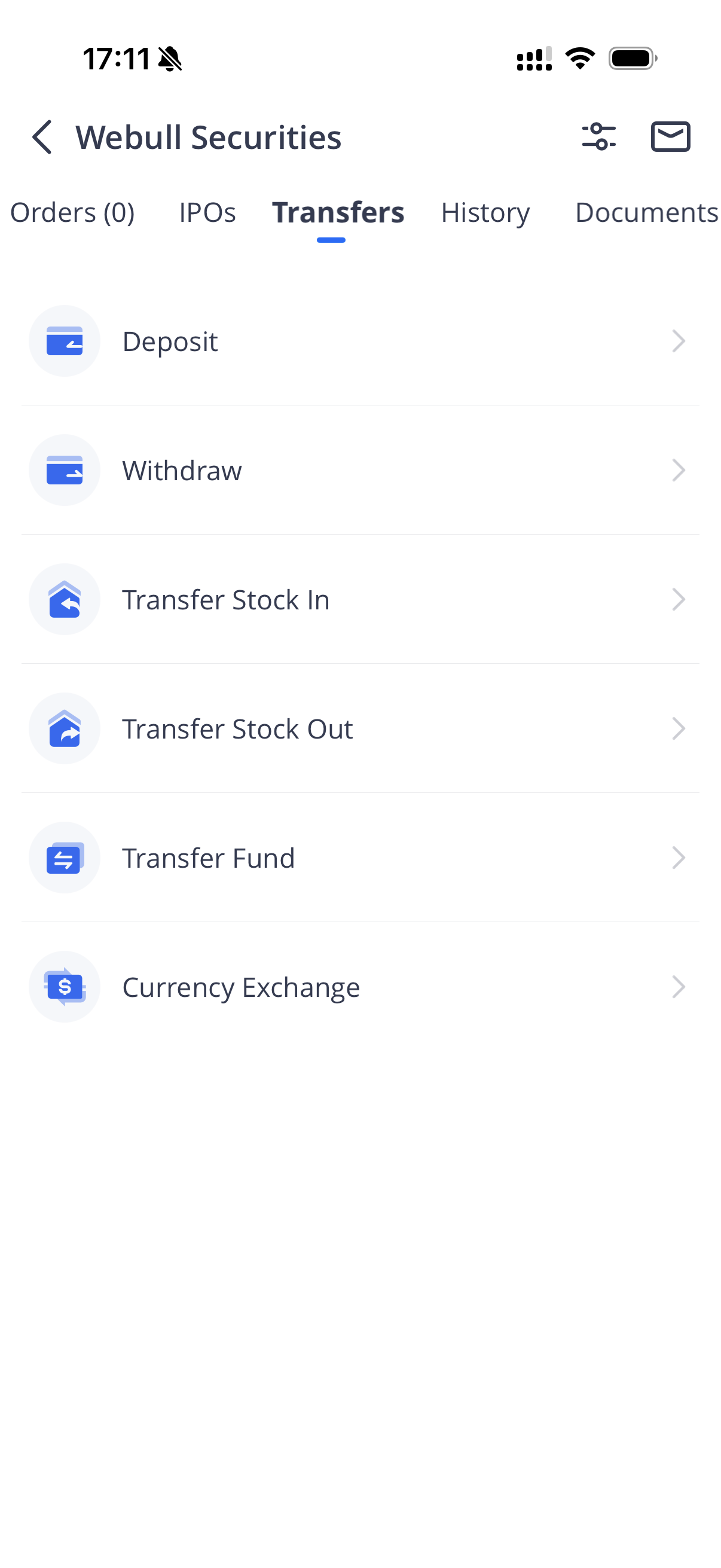
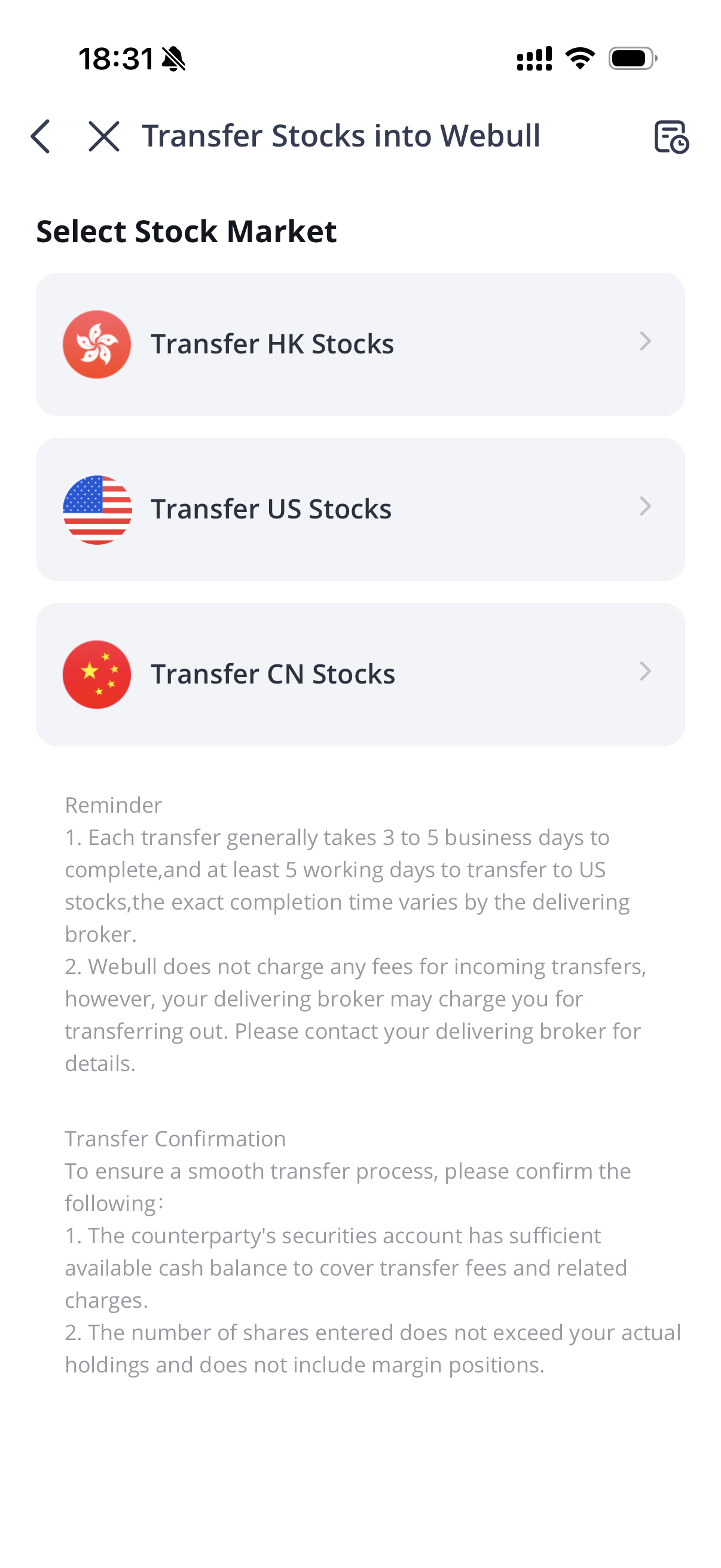
Process of Transferring Stocks to Webull Securities The process includes two steps: Step 1: Notify Webull Securities to receive the stock transfer Step 2: Notify the delivering broker to send out the stocks 1. Notify Webull Securities to Receive Stock Transfer 1.1 Application Entry Steps:Webull APP>>Webull Logo>>Transfers>>Transfer Stock In>>Seletc Stock Market |
 |  |
1.2 Fill in Transfer Information 1.2.1Select Receiving Account The system will default to your current securities account as the receiving account. Futures accounts and virtual asset accounts do not support stock transfers temporarily. 1.2.2 Fill in Delivering Broker and Account Information
If your broker is not listed, select Other Broker. The system will then prompt you to enter the broker name, broker code, contact person and contact number. Our back office will contact the delivering broker based on the information you provide.
You may find this number in your delivering broker’s system and enter it here. |
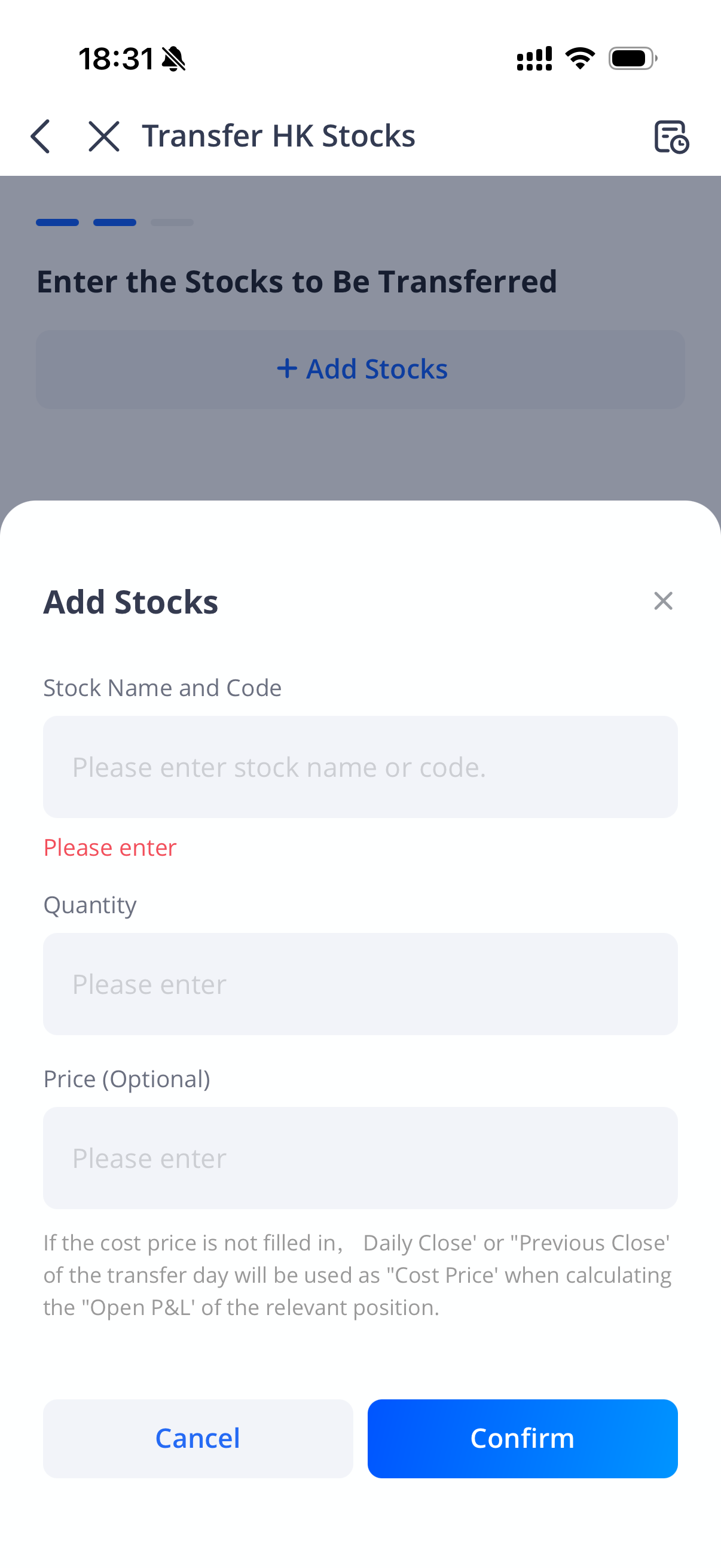 |
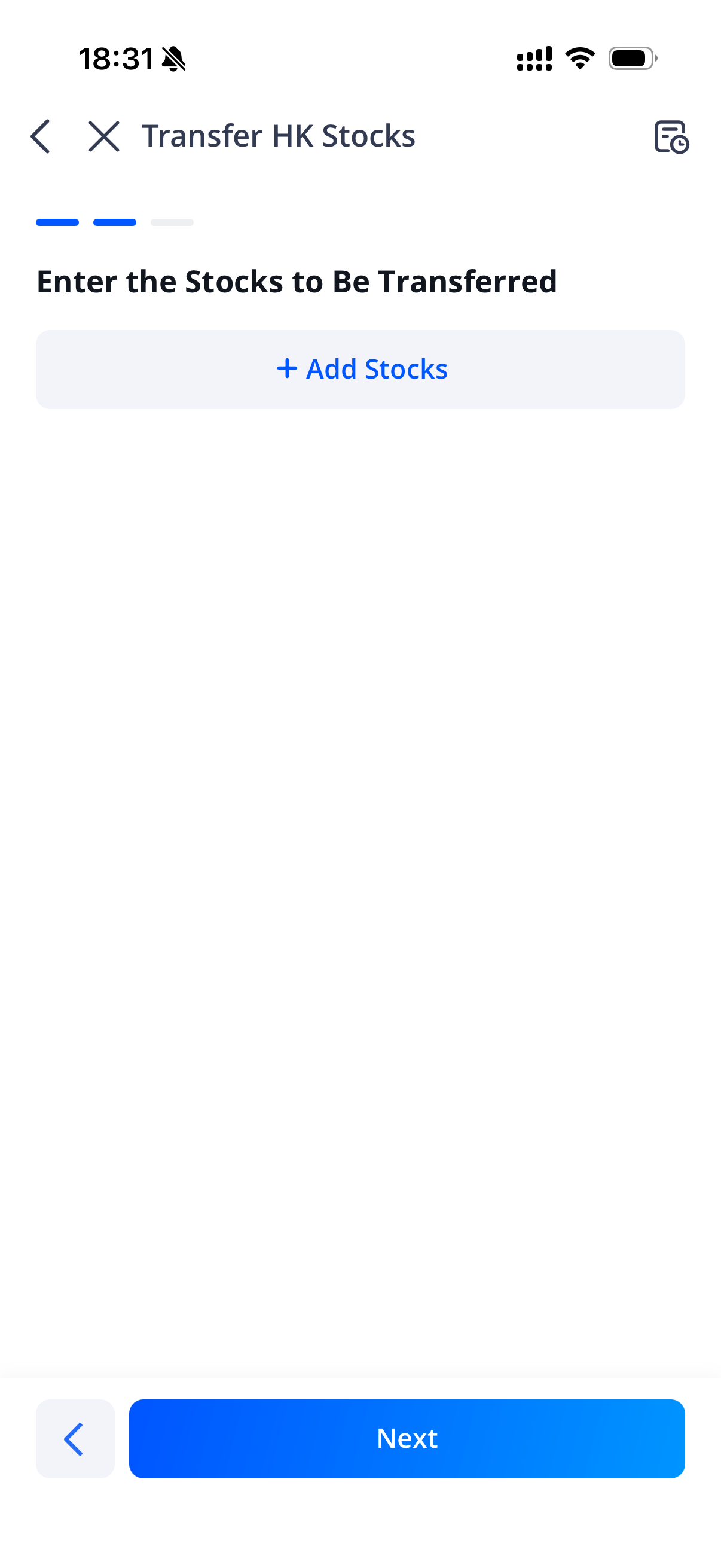
1.3 Fill in Stock Information
|
 | 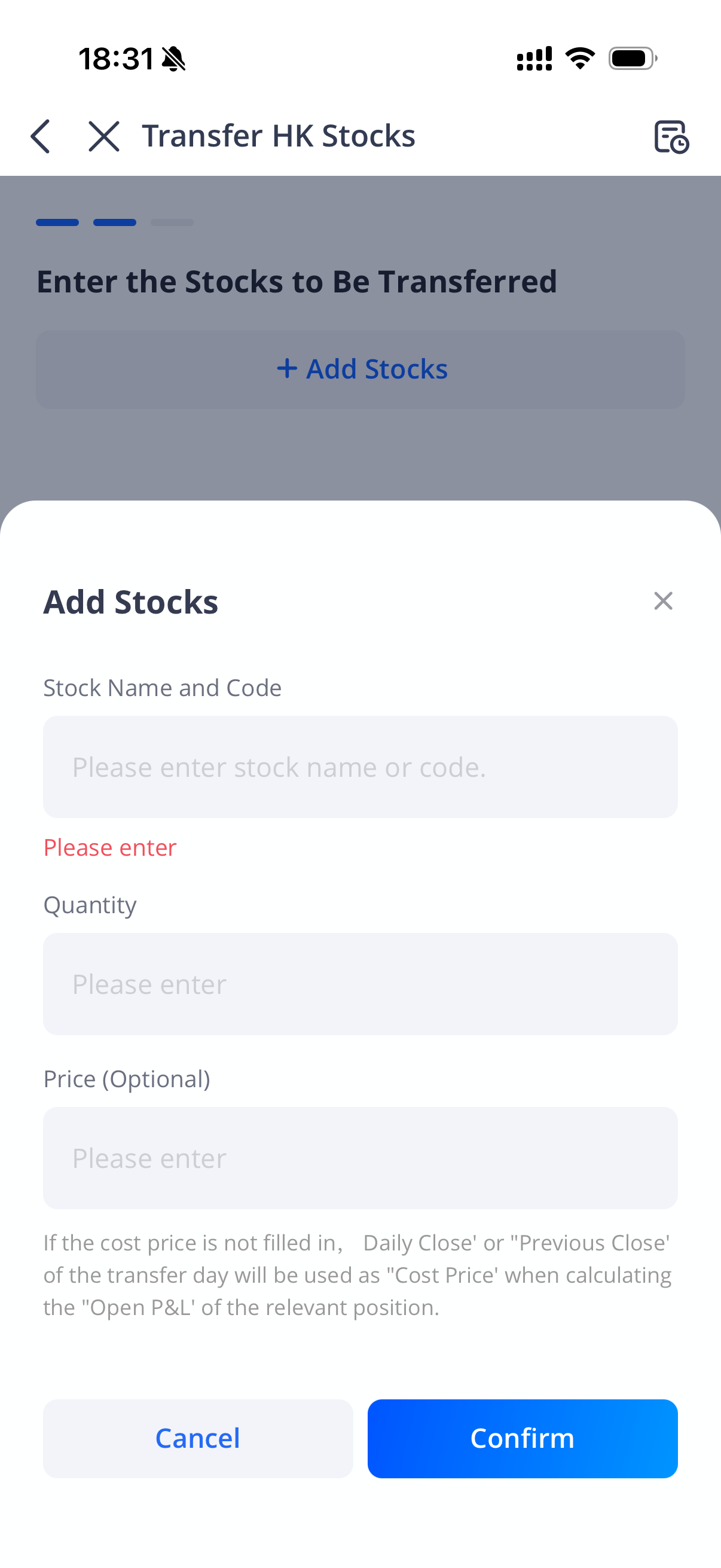 | 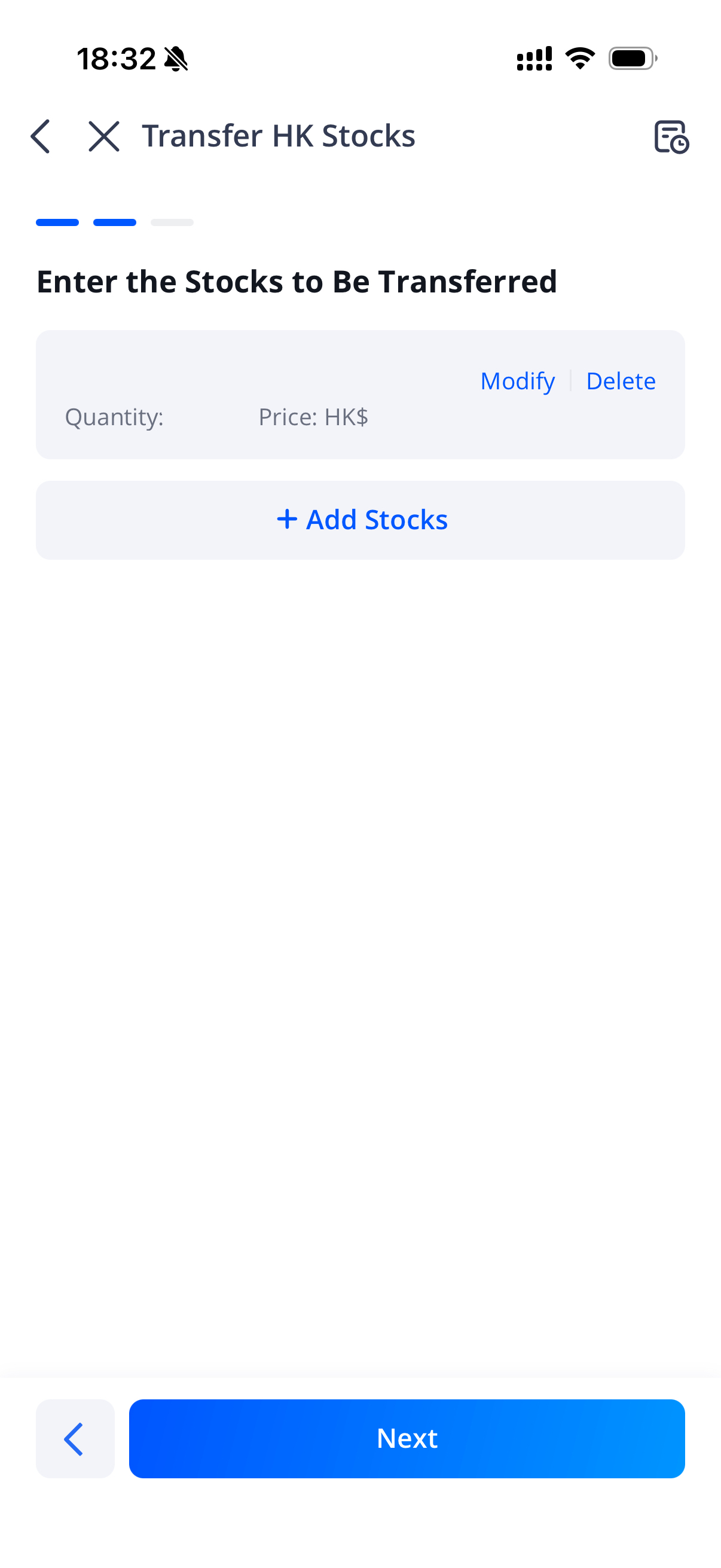 |
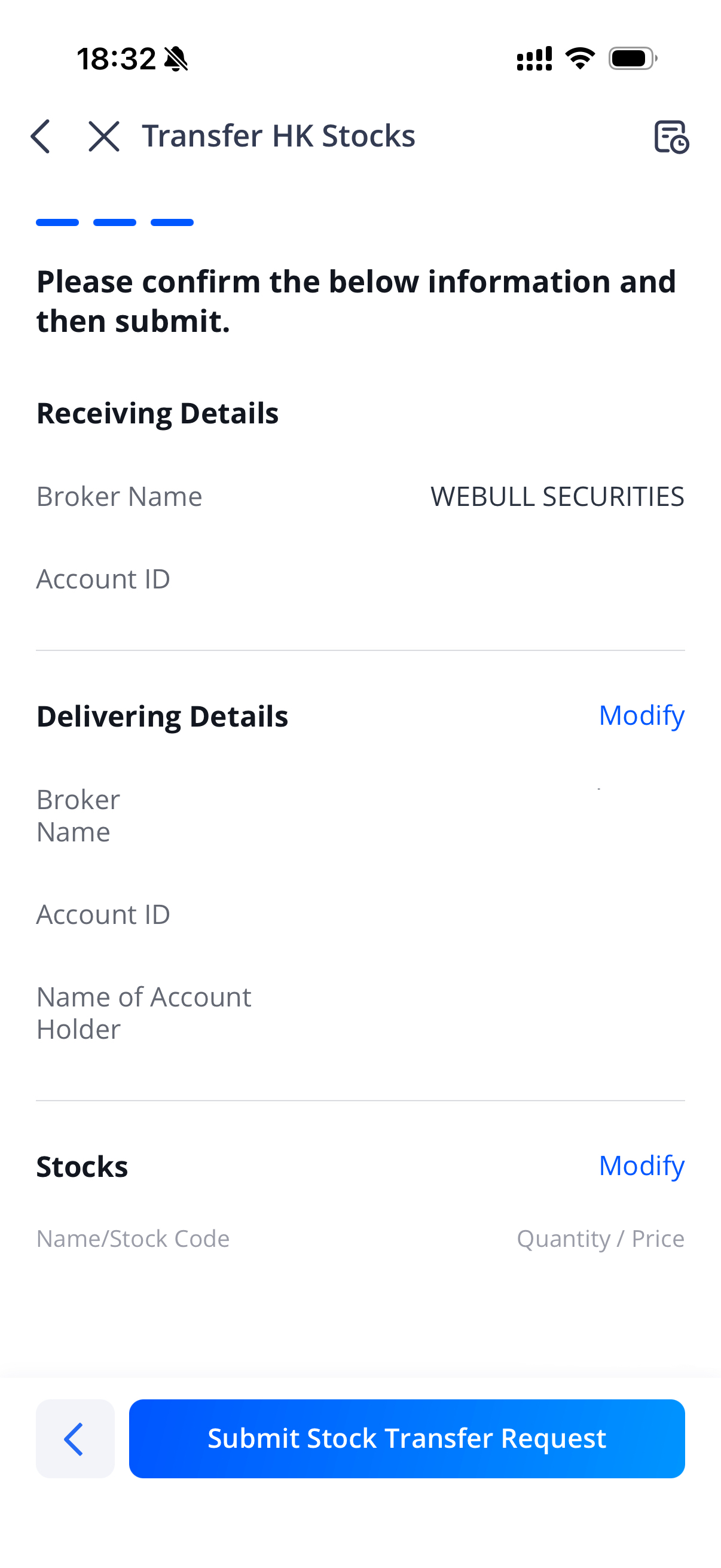
1.4 Confirm and Submit Please double-check:
|
 |
1.5 Contact the Delivering Broker After submitting the transfer request to Webull, you must also initiate an outgoing transfer request in your delivering broker’s App. Once the delivering broker accepts your request, the shares to be transferred will be frozen and settled with us. Upon completion of settlement, the stock transfer is finished. |
Contact Us
Contact Number :+852 3852 8500Webull Securities Limited is licensed with the Securities and Futures Commission of Hong Kong (CE No. BNG700) for carrying out Type 1 License for Dealing in Securities, Type 2 License for Dealing in Futures Contracts and Type 4 License for Advising on Securities. This should not be construed as an investment advice and does not constitute an offer, solicitation, opinion, or any guarantee of any investment product, nor does it constitute any investment recommendation. Investments involve risks, Investment products prices are subject to fluctuation and may rise or fall (including the possibility of loss of the capital invested). Past performance is not indicative of future results. Before making any investment decision, investors should carefully consider your own risk tolerance, financial situation, investment experience, and objectives, or consult professional investment advisors to make a rational decision.

English